Adobe Premiere Pro for Beginners
AUDIO INGLÉS CON SUBTÍTULOS EN ESPAÑOL
Dive into the professional video editing software by learning the essential tools of the powerful, timeline-based program. Throughout this 6-course Domestika Basics, explore the ins and outs of the interface and learn how to use its key features.
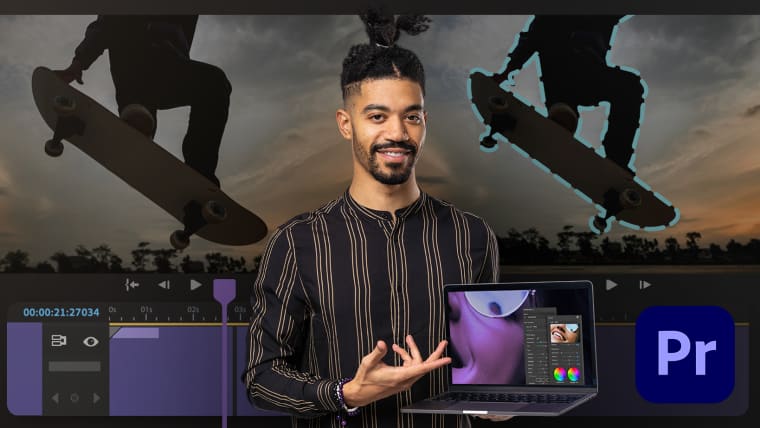
Alex Hall is a videographer, editor, photographer, and also Director of Photography for Berlin After Dark. Throughout his decade-long career, he has used Adobe Premiere Pro as his main tool for editing his footage.
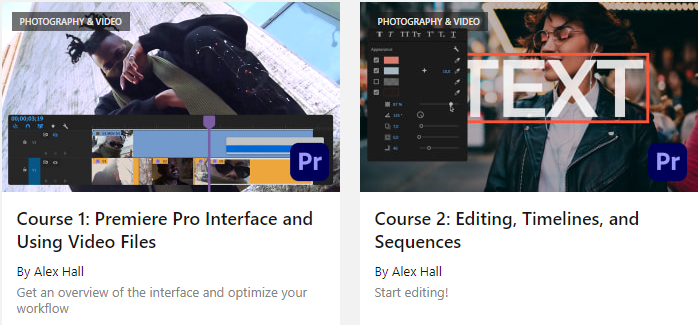
In the first course, get familiar with the interface and its tools. Discover the importance of organizing your files correctly beforehand to improve your workflow.
Next, start editing. Learn about how to create a new sequence and explore editing techniques using the timeline.
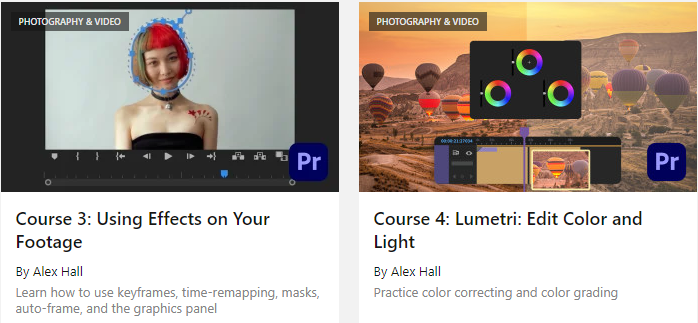
Then, discover how to use different effects such as time-remapping, keyframing, masking, and auto-reframing, before exploring the essentials of the graphics panel.
In the fourth course, learn how to work with color and light using Lumetri. Alex shows you how to correct color and exposure, and how to work with LUTs (look up tables), HSL (hue, saturation, and light), color wheels, and RGB.
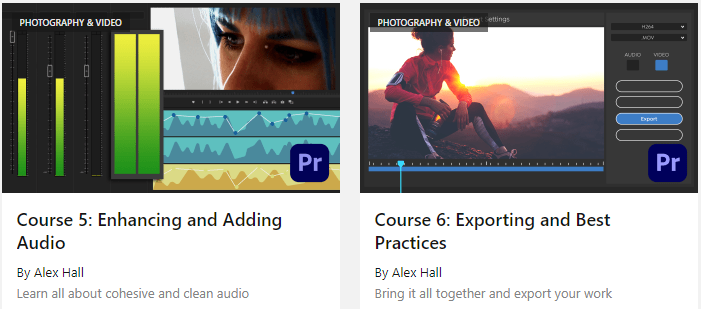
In the next course, learn how to edit sound, use background music, remove background noise, and how to cohesively lay out the audio.
The final course is about exporting your video with the best settings according to where the video will be posted, and about learning to export multiple videos at once.
Domestika Basics 6 courses included